Input fields
Here are some descriptions to commonly used input fields throughout CashCtrl, like e.g. the date field.
Date field

The day is always pre-selected, just start typing to change the day. It then automatically jumps to the month part. Keyboard shortcuts:
- Right / Left jumps to the next/previous part (e.g., from day to month)
- Up / down changes the current part (e.g., day)
- Ctrl + Up / down changes the month
- Alt + Up / down changes the year
- T (Today) replaces the date with today's date
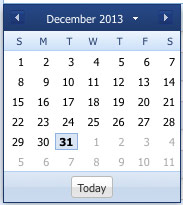
Click on the button on the right to call a calendar where you can select the date:
 Manage: With this button you can manage fiscal periods.
Translation field

The translation field is a text field in which the text can be entered in multiple languages.
 Translate: Click on this button to enter the text in multiple languages:
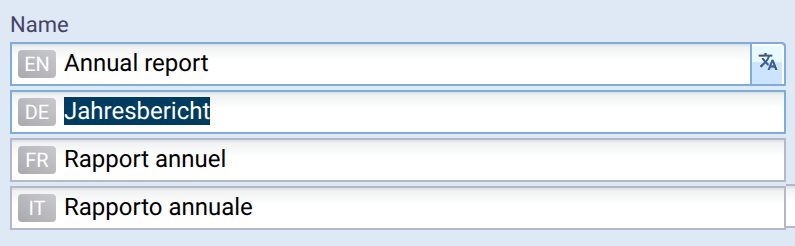
You can also switch the language with the up / down keys.
With the TAB resp. Shift+TAB key you can also switch the language, except that it will jump to the next form field from the last language.